CDR to LayersFigma plugin

CorelDRAW to Figma: import .cdr files as editable layers

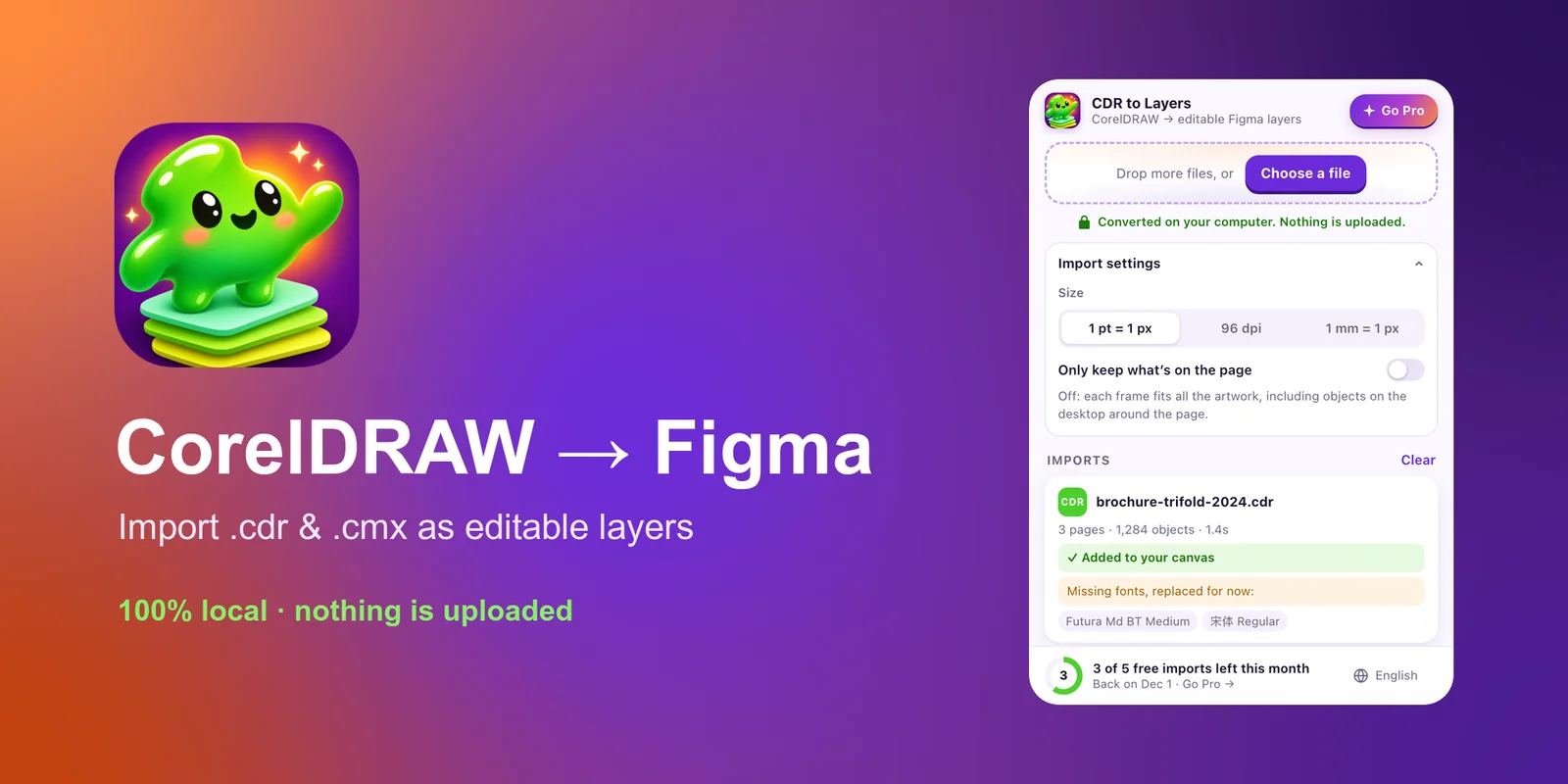
Drop a CorelDRAW file into CDR to Layers and every page becomes a Figma frame with editable vectors, text and images. No CorelDRAW needed, and your file never leaves your computer.

  • Editable vectors & text
  • Converted on your computer
  • 5 free imports a month
CDR to Layers: CorelDRAW to Figma, importing .cdr and .cmx files as editable layers

Opens

  • .cdr
  • .cdt
  • .cmx
  • CorelDRAW 1 – X8+

Editable, not a picture

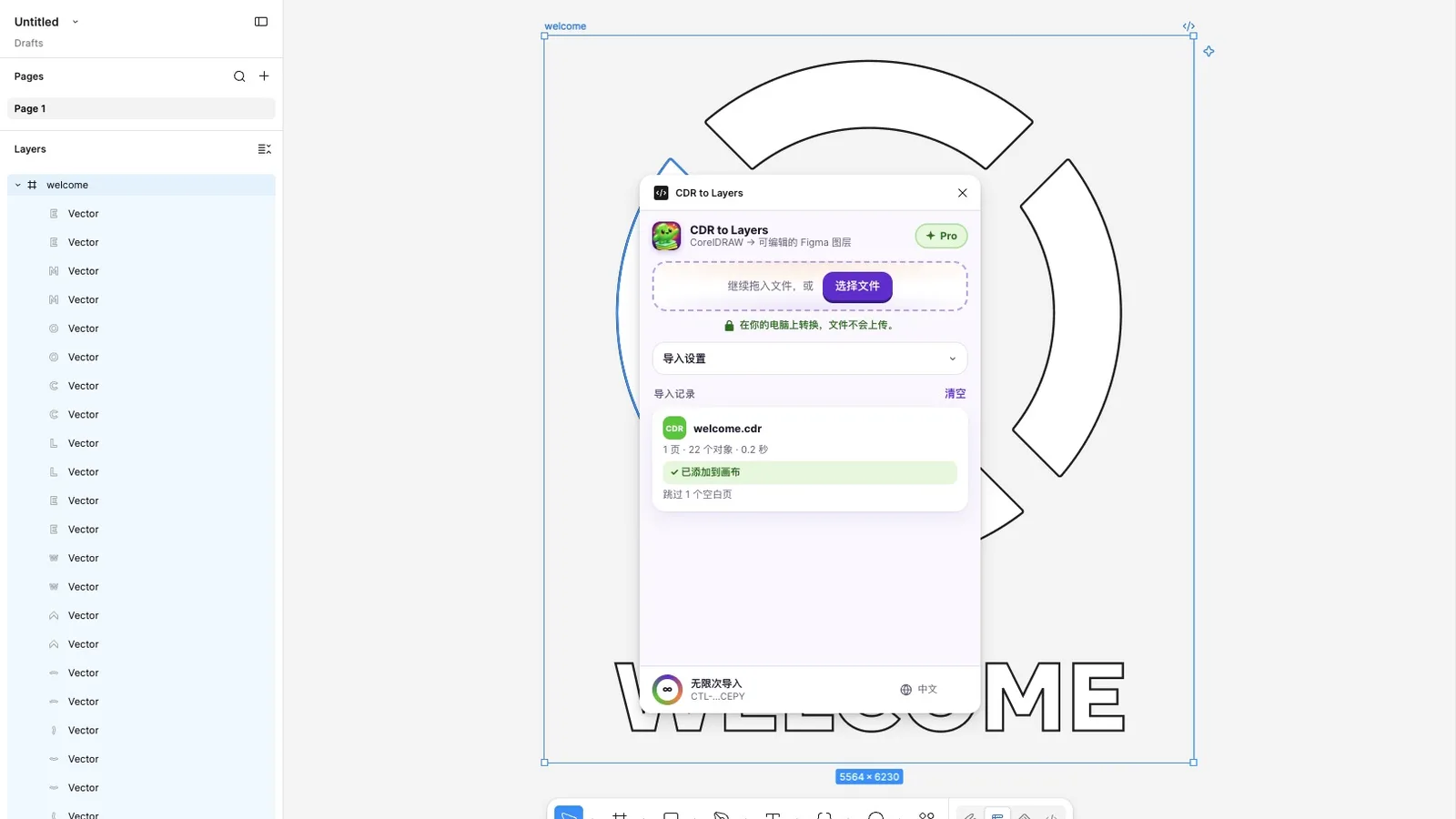
Every page becomes a Figma frame you can edit.

Paths, fills, strokes, gradients and text come in as real Figma layers, so you can recolor a logo or fix a typo right away.

  • Vector paths with their fills, strokes and gradients
  • Live text with its font, size and rotation
  • Embedded bitmaps as images, one frame per page
A CorelDRAW drawing imported into Figma as a frame of editable vector layers

Private by design

Converted on your computer. Nothing is uploaded.

CDR to Layers runs libcdr, the open-source CorelDRAW engine used by LibreOffice and Inkscape, inside the plugin. It works offline and your files never leave Figma.

  • No account and no CorelDRAW installation needed
  • Works offline once the plugin is open
  • CorelDRAW 1 to X8 and most later .cdr files, plus .cdt and .cmx
The CDR to Layers plugin window, ready for a CorelDRAW file to be dropped in

Made for production files

Keeps the whole drawing, not just the page.

Print and sign files often keep artwork on the CorelDRAW desktop around the page. Frames fit all of it, or clip to the page if you prefer.

  • Choose 1 pt = 1 px, 96 dpi or 1 mm = 1 px
  • Missing fonts are listed so you know what to install
  • Chinese, Japanese and Korean text in older files
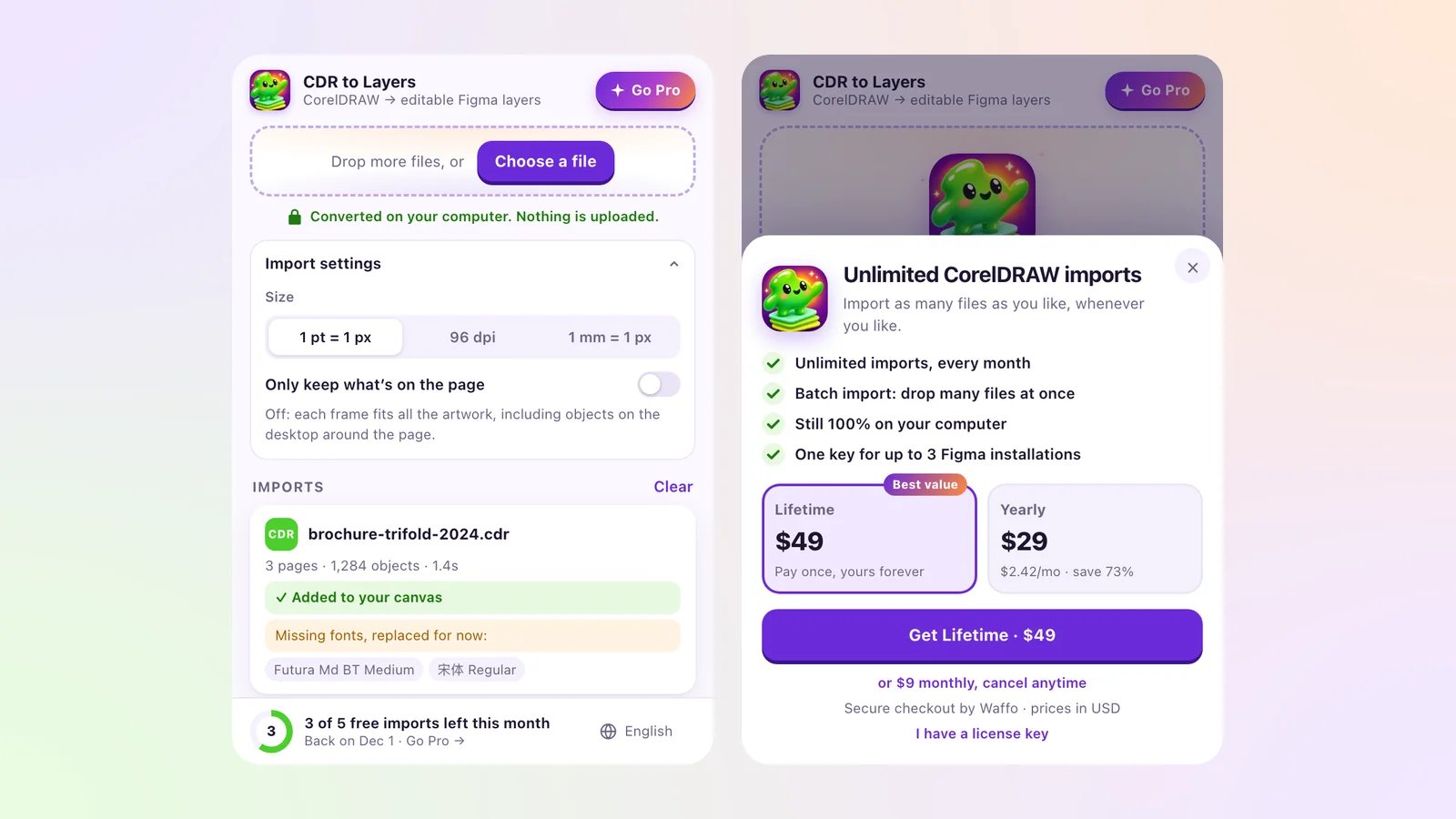
Import results with page and object counts, and the Pro plans in the plugin

How it works

From .cdr to Figma in three steps

  1. Open the plugin

    In Figma, run CDR to Layers from the Plugins menu or the Actions panel.

  2. Drop a CorelDRAW file

    Drag a .cdr, .cdt or .cmx file into the plugin, or click Choose a file. Pro imports many files at once.

  3. Edit in Figma

    Each page appears as a frame next to your work, selected and in view. Recolor, edit text and export as usual.

CorelDRAW files are converted inside Figma on your computer. Your files, file names and artwork are never uploaded; only license checks and anonymous counts reach our server.

Pricing

Free to start, Pro when you need more

Every Pro plan unlocks unlimited imports and batch import. Save 73% with yearly, or pay once and keep it.

Monthly

For a busy month.

$9/month

Billed monthly · Renews automatically, cancel any time

Most popular

Yearly

Save 73%

For CorelDRAW files every month.

$2.42/monthinstead of $9

$29 billed yearly · Renews automatically, cancel any time

Save $79 a year

Best value

Lifetime

Pay once

For good.

$49once

One payment · No subscription

Pays for itself in 6 months

Every Pro plan includes

  • Unlimited imports, every month
  • Batch import: many files at once
  • Still 100% on your computer
  • Activate on up to 3 Figma installations

Secure checkout, tax and invoices by Waffo Pancake. See the Refund Policy.

Start free. The free plan imports 5 CorelDRAW files every month, one at a time, with every page and option. No account or card. Install on Figma — free

FAQ

Questions about CDR to Layers

Can Figma open CorelDRAW files?

Not on its own: Figma imports images, PDF and SVG, but not .cdr. CDR to Layers is a Figma plugin that reads CorelDRAW files and places every page as a frame of editable vector layers and text.

Are my files uploaded?

No. The conversion runs inside the plugin on your computer, with a WebAssembly build of libcdr. Only license checks and anonymous counts reach our server; your files, file names and artwork never do.

Which CorelDRAW versions and formats work?

CorelDRAW 1 to X8 and most later .cdr files, CorelDRAW templates (.cdt) and Corel Presentation Exchange (.cmx). Lens effects, mesh fills, blends and some PowerClips are simplified.

What happens to fonts?

Text stays editable with its original font name. If a font is not installed, Figma shows a replacement and the plugin lists the missing fonts, so you can install them and the text updates.

What does the free plan include?

5 imports every calendar month, one file at a time, with every page and import option. Imports that fail don't count. Pro removes the limit and imports many files at once.

How do Pro plans work?

Pro is $49 once for lifetime access, $29 a year or $9 a month. Subscriptions renew automatically until you cancel in the Waffo customer portal (pancake.waffo.ai) or from the plugin's license panel; Pro keeps working until the end of the paid period. Waffo Pancake handles checkout, tax and invoices.

How do I activate Pro after paying?

Bought inside the plugin? Pro turns on by itself a few seconds after payment. Bought on this page? The confirmation page and email show your license key: in the plugin, select Go Pro, then "I have a license key", and paste it. One key works on up to 3 Figma installations.


Bring your CorelDRAW work into Figma

Install CDR to Layers for free and import your first 5 files this month.